

PartyPoker.com Anywhere Beta (Mac)
PartyPoker.com Anywhere Beta fully supports Mac OS X 10 and later, together with Safari 1.0+ or Mozilla 1.5+. No special settings are required for Mac OS X.
You can play real money cash games and Sit & Go tournaments. Try it now.
You must be at least 18 to play at PartyPoker.com.
For more information, please go to our Responsible Gaming section.
How to launch and start playing the PartyPoker.com Anywhere Beta version:
1. Launch
When you click on 'Play Now!' PartyPoker.com Anywhere Beta will launch in a new window.
2. Certificate
Use the ‘Trust’ button to continue once the dialogue appears.
3. Account
The PartyAccount login box will appear on the left side of your screen once Anywhere Beta has finished loading.
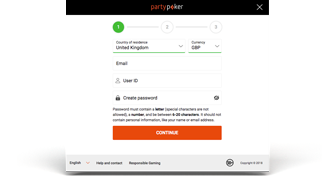
If you don't have a PartyAccount, click the 'Create New PartyAccount' button and follow the instructions, entering any bonus codes you might have.
Start playing!
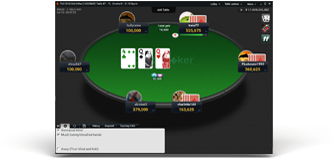
You can start playing on our poker tables as soon as you have signed in.
Anywhere Beta is a limited version. Further features will be added in the near future, and it will eventually have all the features of the download version.
The recommended requirements for Mac users are:
- Apple Mac OS X 10.3.9/10.4 with latest system updates (Safari 2.0.4 recommended)
- Screen resolution of at least 800x600 pixels with a minimum of 256 colors
- 256 MB RAM or more recommended
Advantages of Anywhere Beta:
- Instant access from any computer
- No software to download
- Play in your browser
Features currently in development:
- Table filters
- Hand history
- Private tables
- Poker Trainer
- Dealer option on poker table
- Network status
- Table resizing, tiling, and cascading.
Need Help?
More on security
PartyPoker.com is a member of the Interactive Gaming Council and therefore
accountable to the most respected non-profit regulator in the industry. Read
our privacy and security statements
for more information.