


Meet your personal poker coach
Try it herePoker download: after downloading and installing partypoker...
Step 1
Create your account
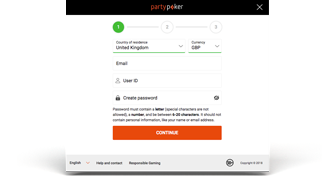
Simply enter a few basic details and pick a username - you’re on the way to playing poker!
Step 2
Make a deposit
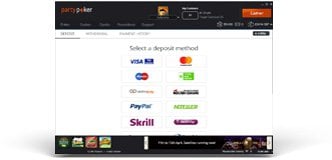
Open up the cashier to make a quick, simple and safe real money deposit. You’re now ready to hit the tables, where you can earn up to 40% cashback, play our reduced-fee PKOs, compete in thrilling tournament festivals and more!
Step 3
Start playing
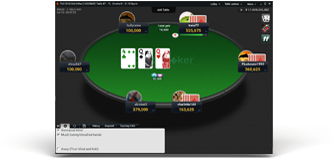
Tournaments and cash games running 24/7! You can meet your personal poker coach, Whiz, and get bespoke advice after every hand. Whiz will take your game to the next level in no time; there are also free games to get you started. Plus look out for SPINS, our three-handed Sit & Go tournament, offering you the chance to turn $5 into $1 million!